Guide · Getting started
Getting started: your account, your organization, your team
Create your account with a code received by email, create your organization, invite your colleagues and open your apps.
Checked against the real screen on November 5, 2026
Create your account
On the sign-in page, “Sign in or sign up”: enter your email address. You receive an 8-digit code, valid for ten minutes, which also appears in the email subject. No account yet? The same code creates one.
You can also choose “Use my phone number”: the code then arrives by SMS.
- Enter your email address, then “Get a code”.
- Enter the code you received, then “Continue”.
- Enter your first and last name, then “Create my account”.
Create your organization
In your workspace, “Create an organisation”: give the name of your company, association or team (1 to 120 characters), then “Create organisation”. You become its owner.
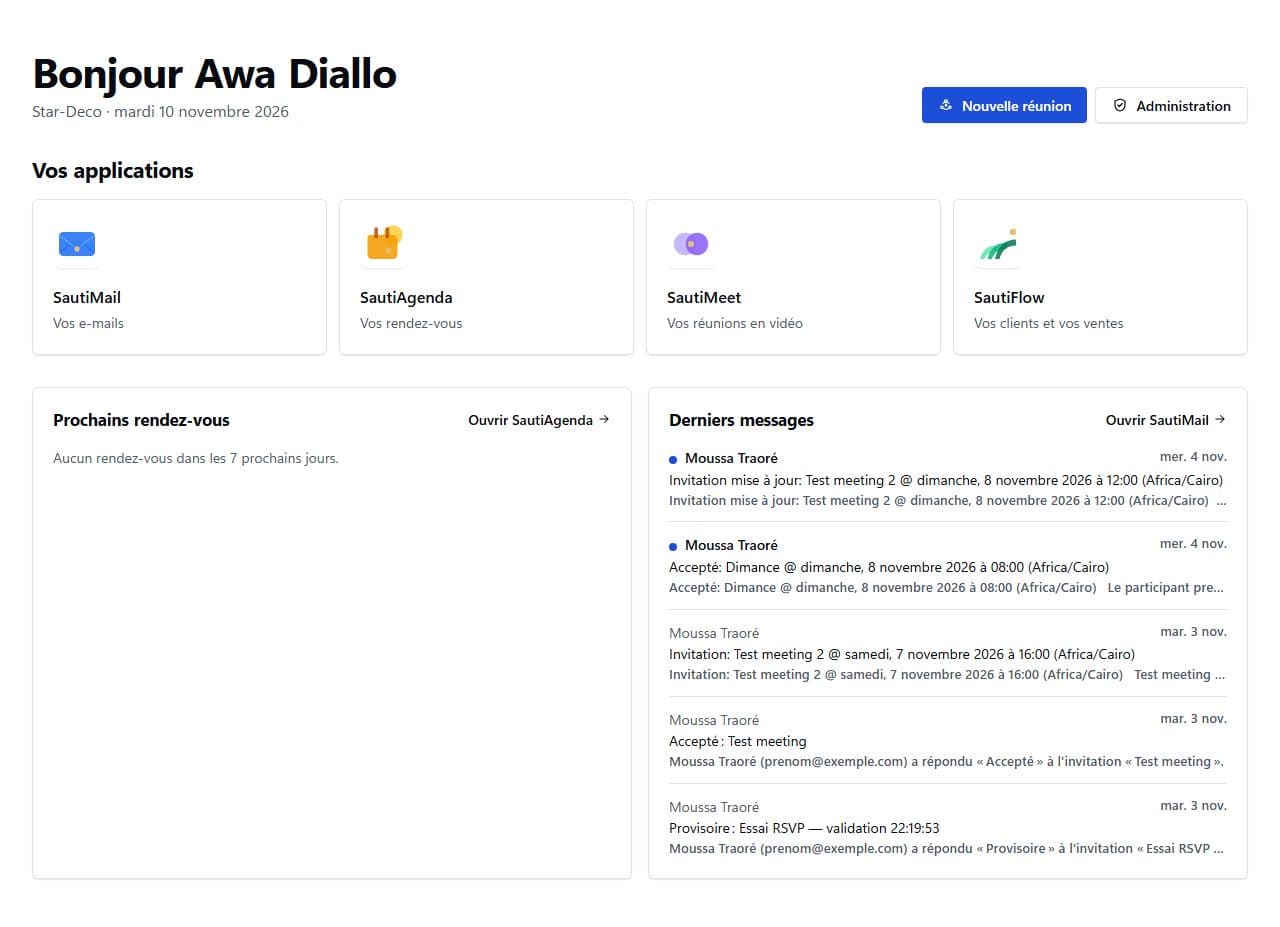
“Open portal” then opens its apps: SautiMail, SautiAgenda, SautiFlow, SautiMeet and the console.
Invite your colleagues
In the console, “Invitations”: enter the email address and choose the role, then “Send invitation”. The link is valid for 7 days and only works with the invited address.
You can also pass the link on yourself, for example with “Share on WhatsApp”, or choose “Invite by SMS” for someone without an email address.
What next?
- Plans and billing: Free, Starter, Business, EliteWhat each plan allows, where to see yours, and where online payment stands.
- Account and security: codes, passkeys and devicesSign in without a password to remember, add a passkey, turn on two-step verification, keep your recovery codes and sign out a device.
- Console: members, licences, domains and logInvite members and give them a licence, connect your domain, manage shared mailboxes and review the activity log.